 Fire Tools
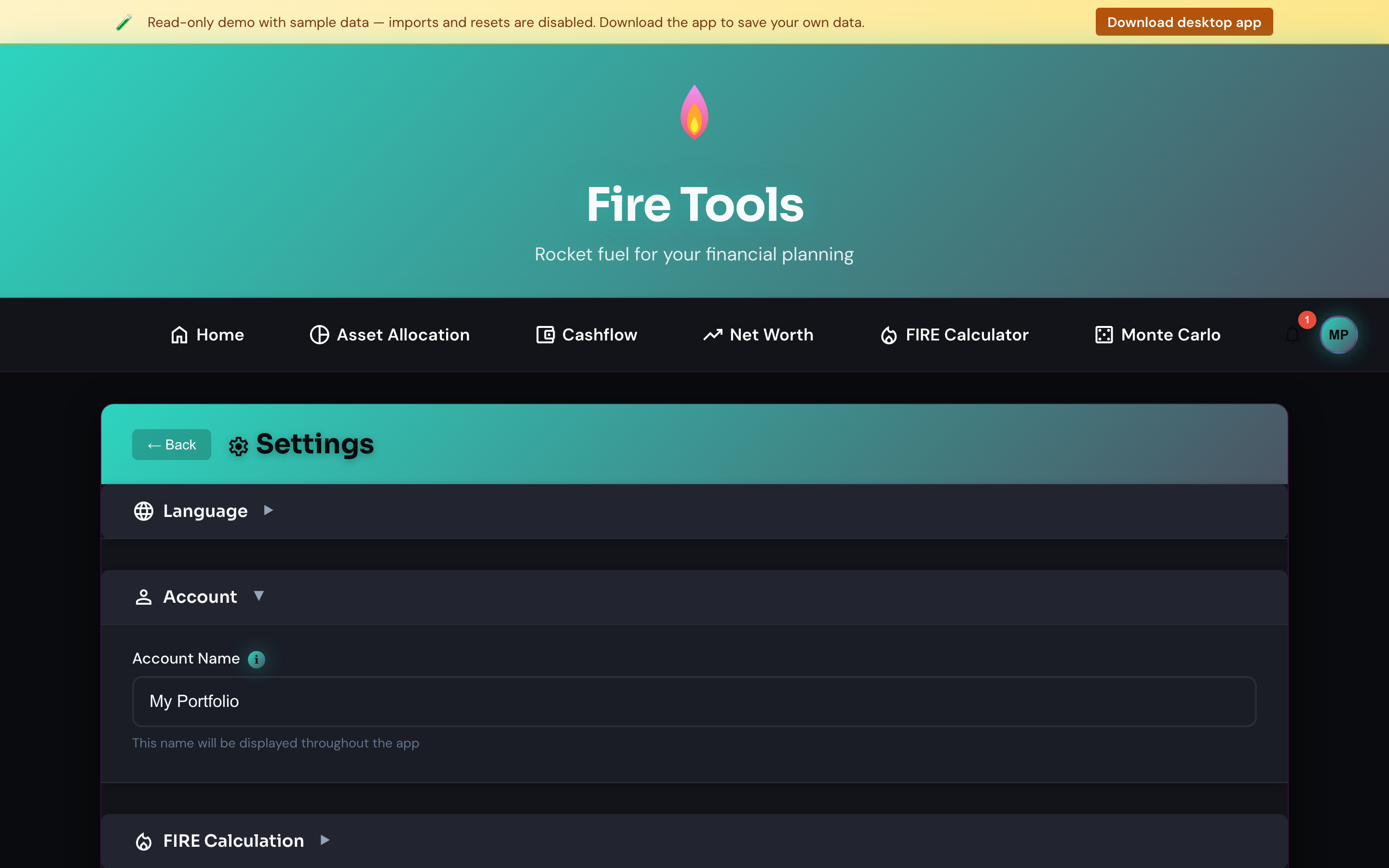
Settings, language, data management
Everything that controls how Fire Tools looks and behaves lives on this page.
Currency
Pick the currency the app displays everywhere. The setting is global and applies to the calculator, trackers and allocation manager. Currency does not convert your existing entries — values are stored in the currency in which you entered them.
Language
Choose between English (default), Italian, French, German or Spanish. The UI updates immediately without a reload. Missing translations fall back to English so a partial release never breaks the app.
Language is independent of currency. Switching to Italian doesn't change your numbers from euros to lire, and switching to USD doesn't change the UI to American English.
Theme
Light, dark and system-auto are supported. The choice is remembered across sessions.
Experimental features
Beta features (e.g. the Portfolio breakdown view) live behind a toggle so they're opt-in until they stabilise.
In the public web demo every experimental feature is enabled by default so visitors can explore the full app without flipping toggles. The desktop app and self-hosted builds keep them opt-in (all off until you enable them here).
Data management
- Export all data — bundles every tool's state into a single ZIP with one CSV per tool. Use this for backups.
- Import data — restores a previously exported bundle. Use it on a new device or after Clear all data.
- Clear all data — wipes your local store (SQLite DB on desktop, encrypted cookies in browser). The app reloads empty. There is no undo; export first if you might want the data back.
Audit log
The Audit log panel records meaningful actions you take — creating, editing or deleting assets, running the FIRE calculation, changing a setting, and importing or exporting data — so you can answer "what did I just change?".
- Filter by action type and date range, and expand any row for its details.
- Clear audit log empties only the log (your data is untouched).
- It is bounded to the most recent entries and stored with the same AES-256 encryption as the rest of your data.
The log is private by design: it stays on your device, records only non-sensitive context (never amounts, tickers or account values), and is never exported off device.
Privacy
- Desktop app — data lives in a local SQLite database under the OS
userDatadirectory. Migrations run automatically on startup. Nothing is transmitted to a server unless you opt in. - Self-hosted — data lives in the volume-backed SQLite (or Postgres) database on your own server. Nothing is transmitted elsewhere unless you opt in.
The hosted web demo is read-only and stores nothing — it only loads sample data for evaluation.
The only outbound calls are explicit opt-ins (e.g. the on-demand price refresh on the Asset allocation page).