 Fire Tools
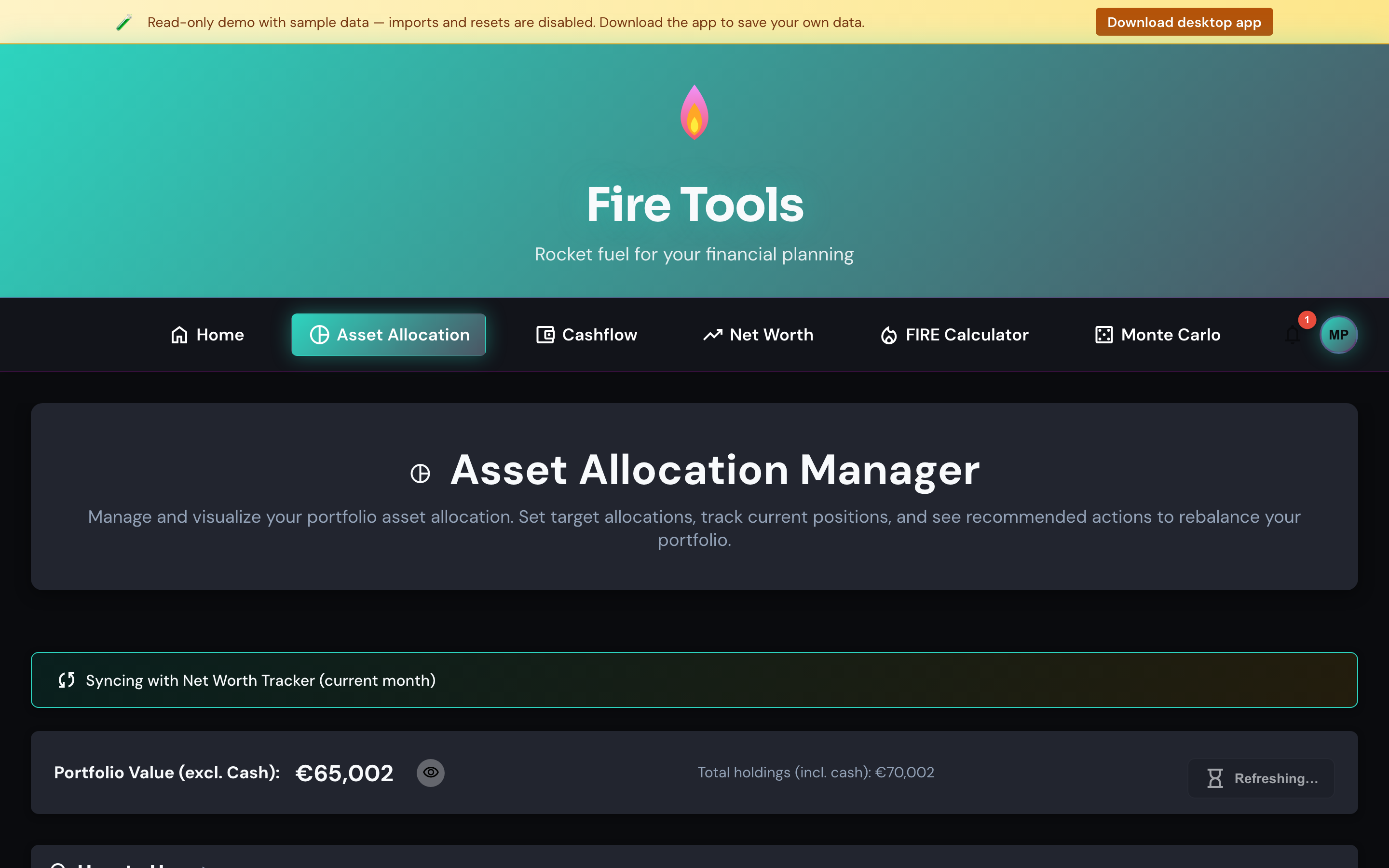
Asset allocation manager
Track your portfolio, compare it against your target allocation and get buy / sell / hold rebalancing hints.
Adding assets
- Click Add asset.
- Pick a class (Stocks, Bonds, Real estate, Commodities, Cash).
- Enter a label, a value and (optionally) a Yahoo Finance ticker. If you set a ticker, the app can refresh the price on demand.
- Save.
Repeat for every position. The chart and the breakdown table update in real time.
Setting a target allocation
Open Target allocation and assign a target percentage to each asset class. The targets must sum to 100%. The rebalancing column tells you, per class, how much to buy or sell to get back on target. Holdings within 1% of target are flagged as hold.
Refreshing prices
Prices are fetched directly from your browser to Yahoo Finance. No backend proxy, no third-party analytics — the request is opt-in and only fires when you press Refresh prices.
Portfolio backtesting
Use the separate Portfolio backtest tool to simulate the holdings saved here. The backtest reads Asset Allocation values, tickers and asset classes; edit this page first to change what gets tested.
Export / Import
Use Export CSV to grab a snapshot. Use Import CSV to load it back, or to seed the app from a spreadsheet you maintain elsewhere. The schema is documented in the header row of the exported file.
Tips
- Don't chase precision. A target like 80 / 12 / 5 / 3 (stocks / bonds / REITs / cash) is plenty granular for most plans.
- Rebalance when an asset class drifts more than ~5% from its target, or once a year — whichever comes first.