 Fire Tools
Homepage & navigation
The homepage is the launchpad for every tool. From here you can dive into the calculator, the asset allocation manager or any of the trackers.
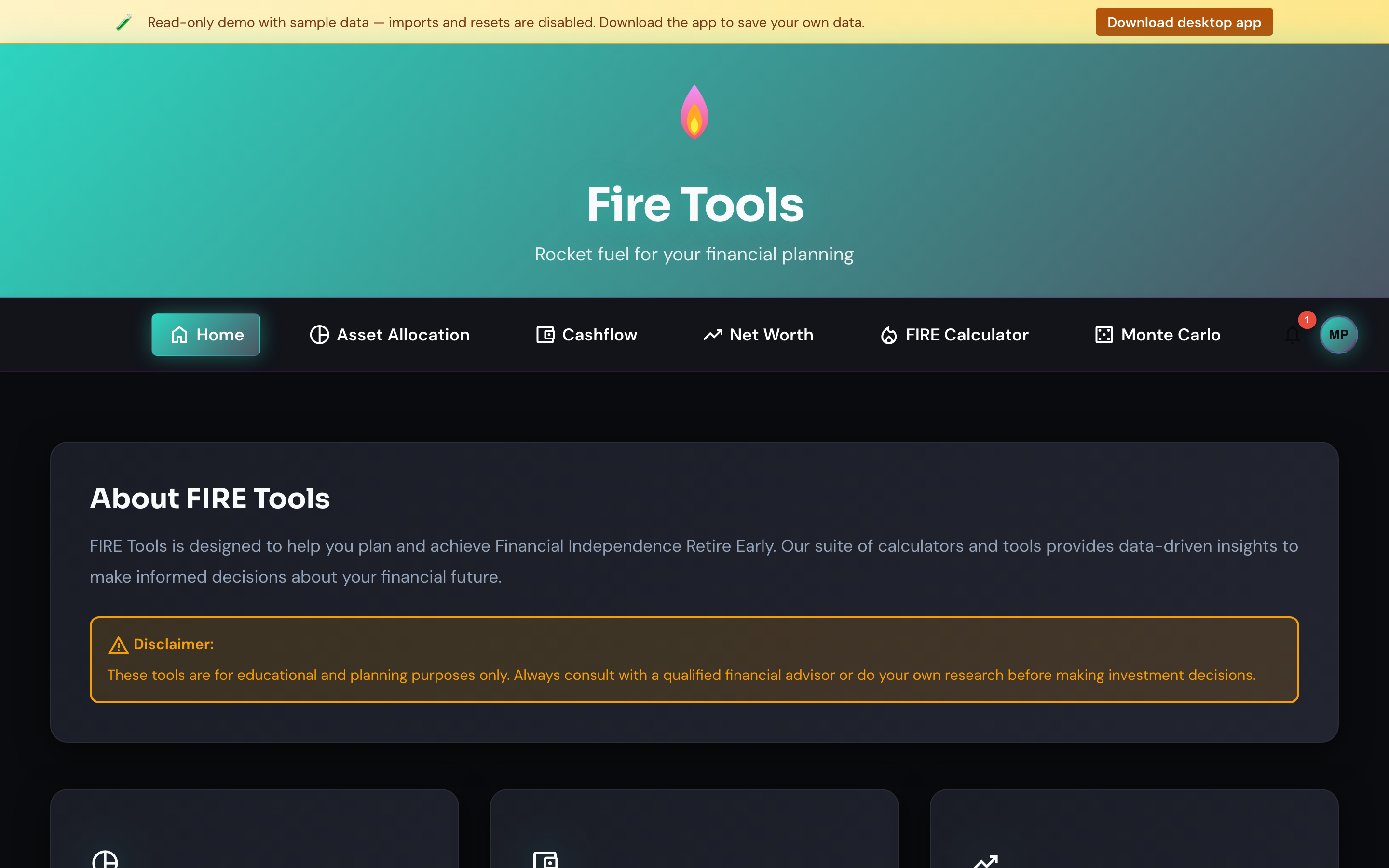
What you see
- Top navigation — links to every tool. The link for the page you're on is highlighted.
- Tool cards — one card per feature with a short description.
- Language and currency are remembered across sessions and follow you to every tool.
Tips
- The site is keyboard accessible. Use
Tabto move between cards andEnterto open the highlighted tool. - Need to start fresh? Open Settings and use Clear all data — your local store is wiped (SQLite DB on desktop, encrypted cookies in browser) and the app reloads empty.